
Industries / Home & field services
Field service software · FieldPulseRun every job from one app.
FieldPulse is software for HVAC, plumbing, electrical and other trades: scheduling, quotes, invoices and payments, from the office to the truck. NeighborlyPay sets it up with you.
- Office + mobile app
- Tap to Pay on iPhone
- QuickBooks sync


- Offered through our partner Full Stack Payments
- Set up with you, not handed off
- A local number you can call
If you send a truck, it fits.
Residential or commercial, one tech or a fleet. FieldPulse is used across a long list of service businesses.
- HVAC-R
- Plumbing
- Electrical
- Garage doors
- Locksmiths
- Appliance repair
- Fire & security
- Septic
- A/V installation
- Glass
- Property management
- Commercial equipment
- General contractors
- Franchises
Book it. Do it. Get paid. Bring them back.
The whole workday in one system, so nothing lives on sticky notes or in someone's head.
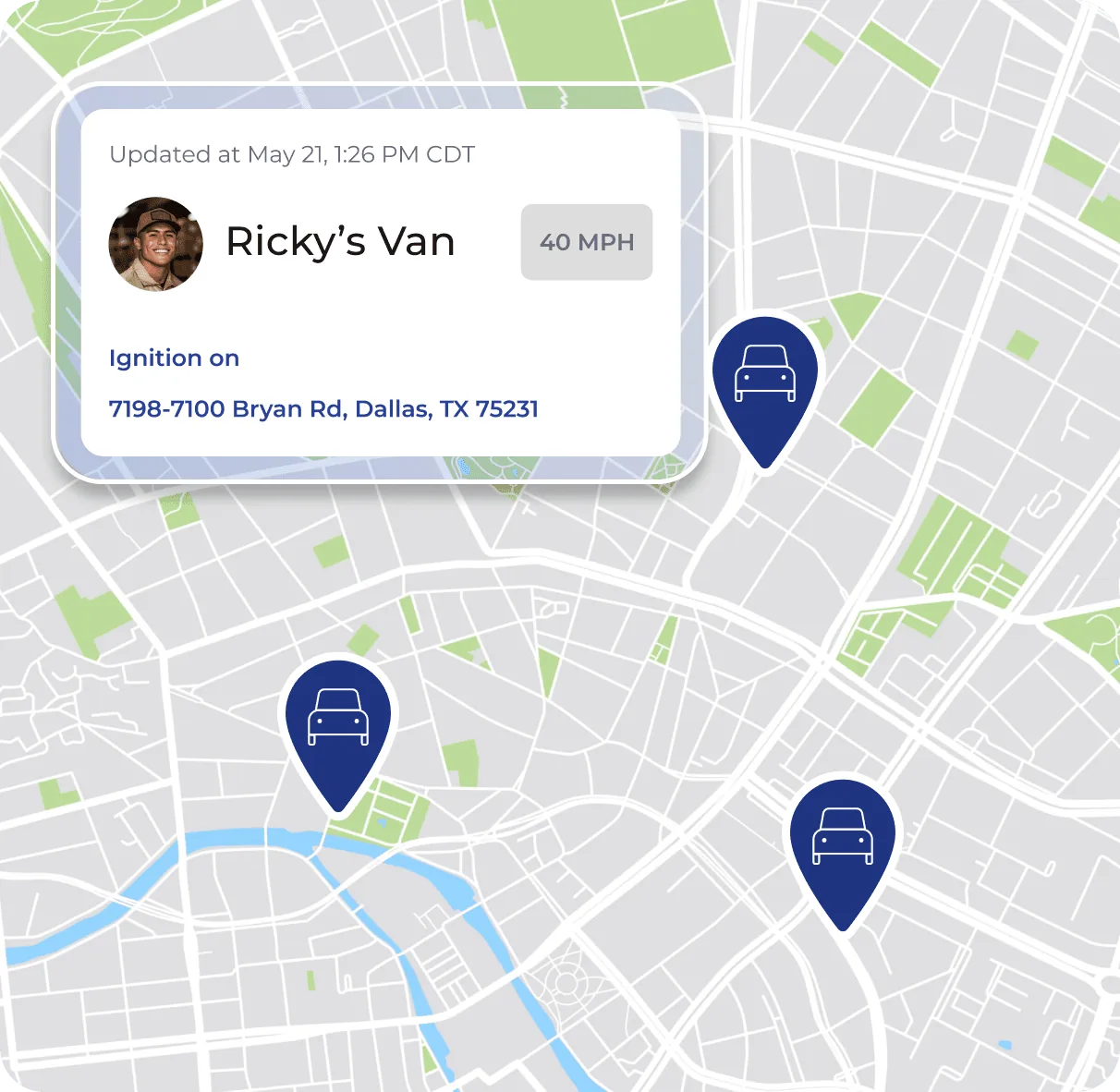
Send the right tech, every time.
Drag a job onto a tech's calendar and it shows up on their phone instantly.
- Drag-and-drop schedule by tech, crew or area
- Live map of every truck, so you send whoever's closest
- A warning before anyone gets double-booked
- Work order templates so no detail gets missed
Quote, invoice and get paid before you leave the driveway.
- Quote on siteBuild it from your price book, adjust labor and parts, and text or email it.
- Offer upgradesGood, better, best options let customers choose more without a hard sell.
- Invoice in one tapThe approved quote becomes the invoice. Reminders go out automatically.
- Get paidTap to Pay, a payment link or ACH, synced to QuickBooks.
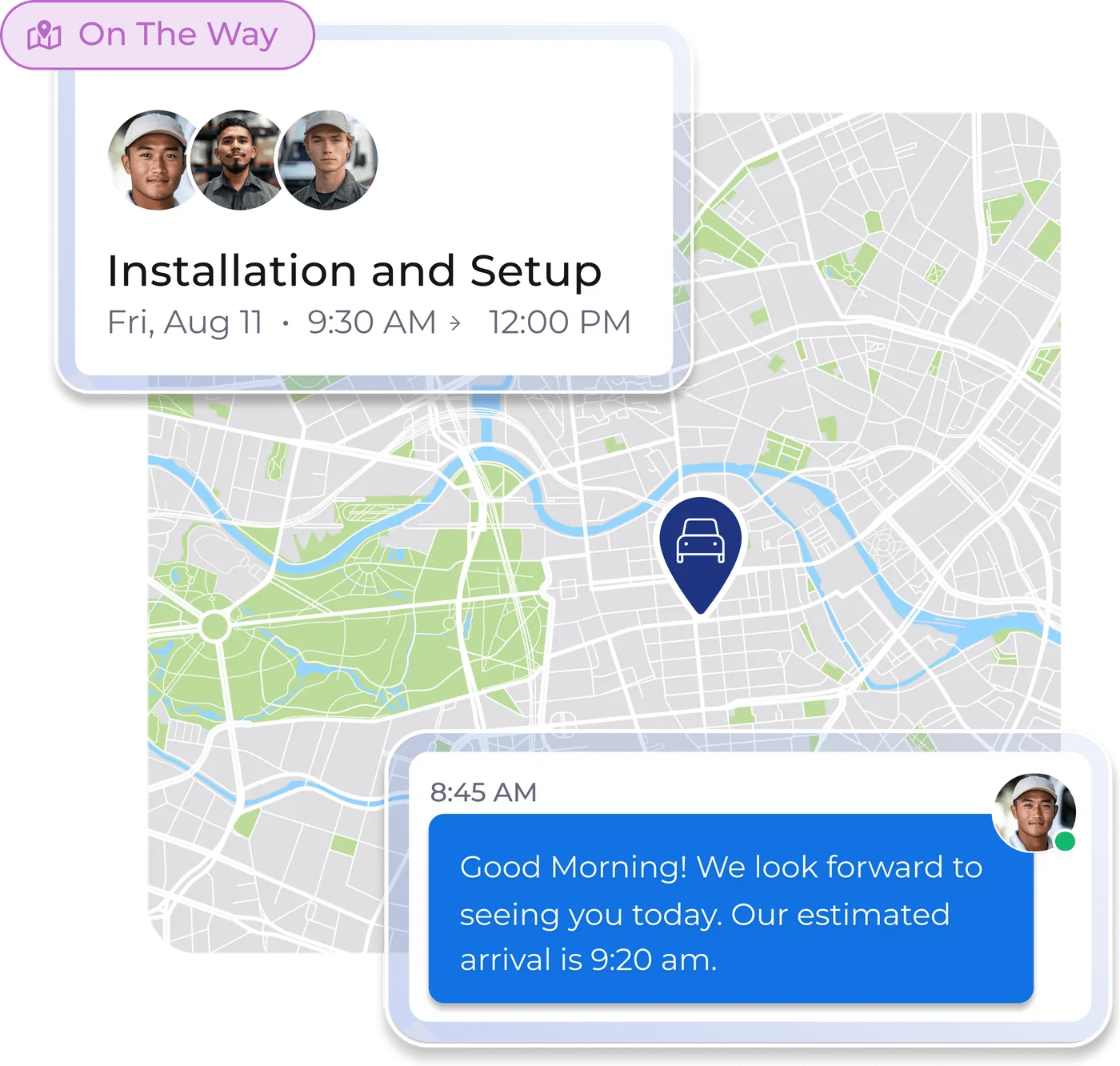
Customers always know what's happening, and they come back.
Automatic texts keep homeowners in the loop, and follow-ups keep them coming back.
- Appointment reminders and "your tech is on the way" texts
- Two-way texting, calls and email from one inbox
- Automatic review requests after the job
- Maintenance reminders that book the next visit
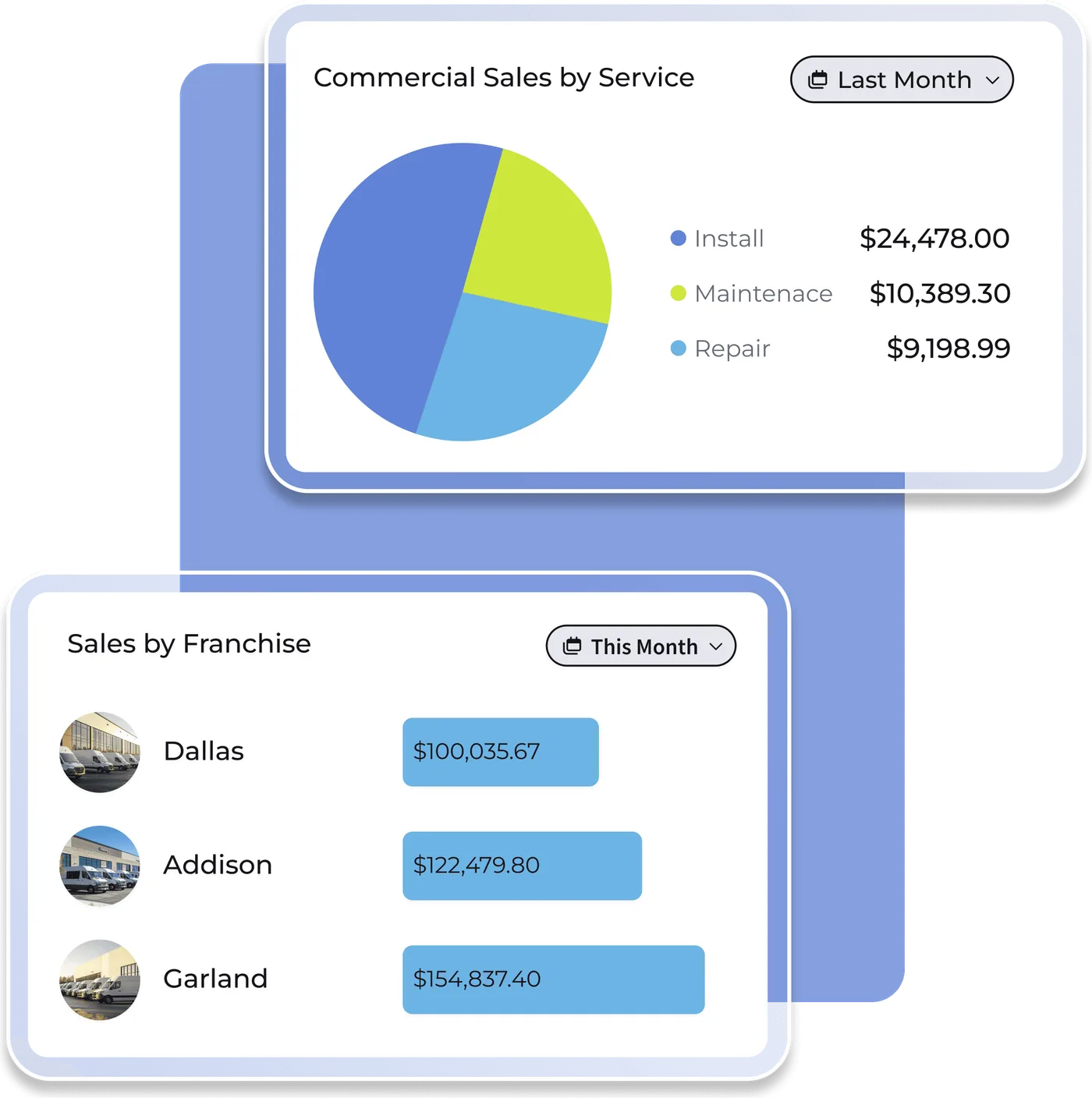
Know which jobs actually make money.
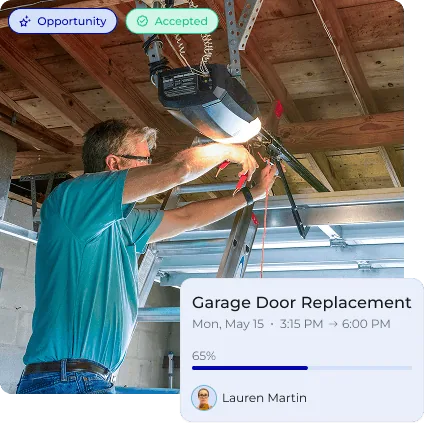
From quick service calls to multi-day installs, every job, photo and dollar is tracked.
- Recurring maintenance visits that bill automatically
- Multi-day projects with milestones and job costing
- Profit by job, tech and lead source
- Dashboards you arrange yourself
Get paid on the spot. Keep more of it.
FieldPulse Payments is built right into your invoices, so the money lands in your account and your books without retyping anything.
- Tap to Pay on iPhoneTake cards at the job with no reader to carry.
- Payment linksCustomers pay by card, Apple Pay or bank transfer.
- Dual pricingOffer card or ACH pricing so fees don't eat your margin.
- Next-day depositsFor card payments and verified ACH.
Payments is where most of your money is made or lost. Chris gets your processing set up right, explains dual pricing in plain English, and is the person you call when a payout looks off.
How dual pricing worksSee the real screens.
Tap any screen to enlarge it, then flip through eight of them.


Straight answers before you switch.
Is it hard to switch from paper or another app?
Does my team need special hardware?
Does it work with QuickBooks?
Is everything included in one price?
Want to see FieldPulse with your trade in mind?
Tell Chris how your business runs today. He'll set up a demo and show you what it would cost, including payments.