
01
Point of Sale
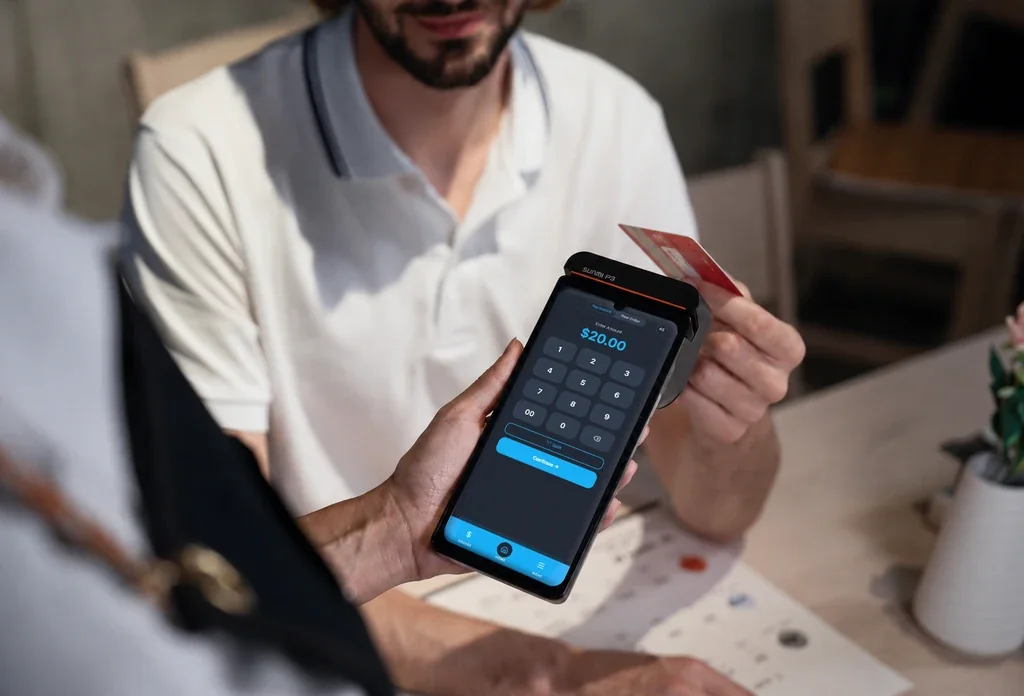
Accept payments and manage transactions from your terminal, tablet or phone.
POS Systems / Stackably
Modern POS · StackablyStackably is a flexible, semi-customizable system that fits a lot of different businesses. Every account comes with an online gateway for customers and invoices, plus a terminal if you need one. It's sold through local partners, so you get a real person to set it up and help you grow.

Every Stackably account includes the core software features businesses need to run everyday operations.
Take payments on the terminal, tablet or your phone.
Create and organize the products your business sells.
Keep stock connected to every sale.
Let customers book while your team manages schedules in one place.
Create, send and collect invoices by card or ACH.
Create recurring memberships and manage them in Stackably.
All six core features come at no software cost when you get started with Stackably.
Everything below comes included and works together, so a sale, an invoice or a booking updates the same customer record.
Accept payments and manage transactions from your terminal, tablet or phone.
Track stock, scan barcodes and keep every item organized.
Send invoices customers pay online by card or ACH.
Customers book online, and you see the whole day at a glance.
Recurring plans that bill automatically, managed by your customers in the app.
Sales, invoices and payments flow into your books automatically, so there's no double entry.
Stackably is semi-customizable, so Chris turns on the pieces you need and leaves out the ones you don't.
Your home base on the web: manage customers, take payments and keep every transaction in one place.
Send an invoice and let customers pay online by card or bank transfer, with no chasing checks.
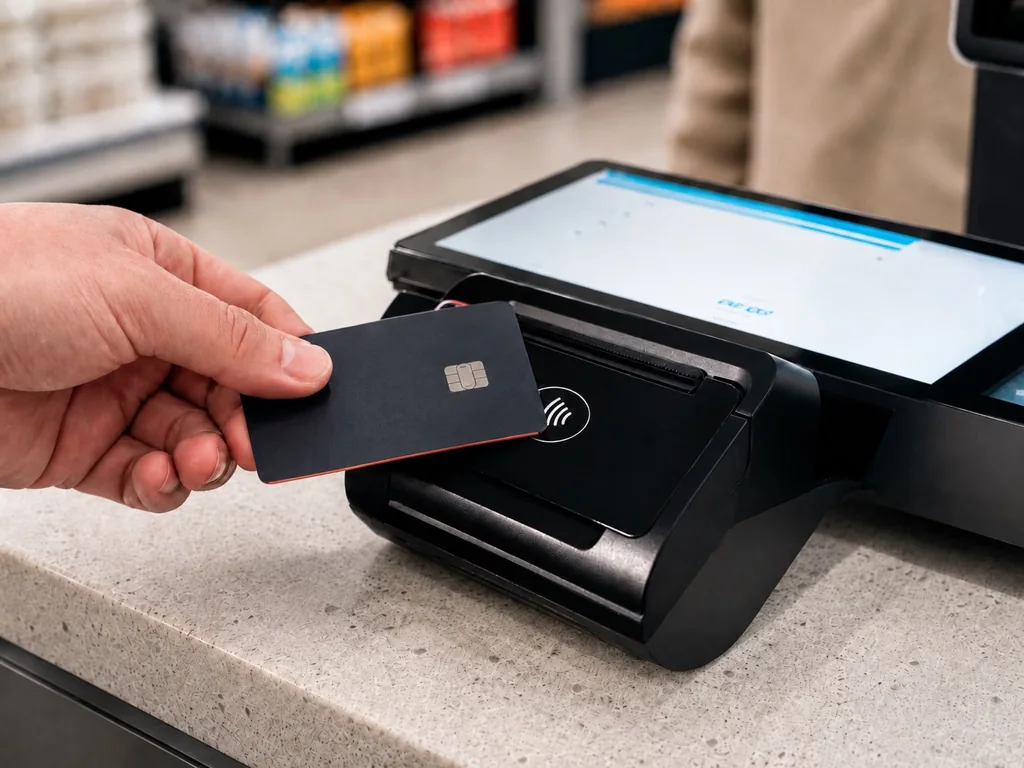
Take payments in person when it fits your business. If you only bill online, skip the hardware.
Then let Chris show you how it would work for your business, from the hardware to the monthly cost.
Tap a device to see every angle.
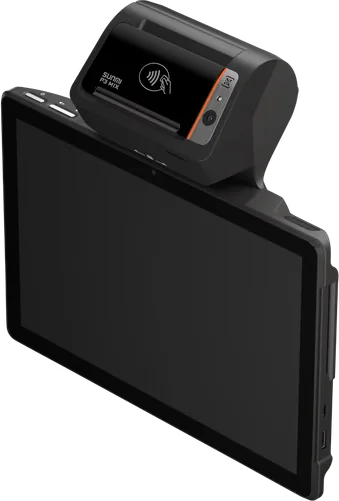
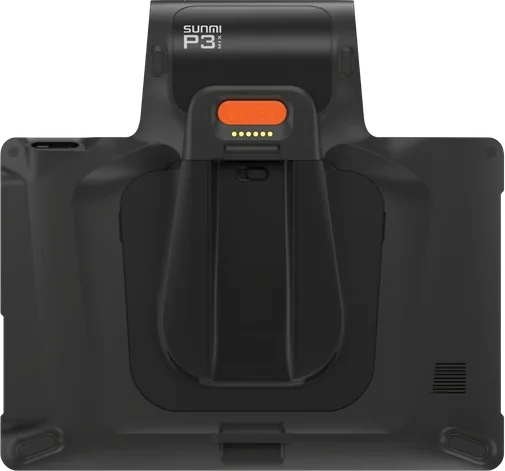
A 10-inch countertop tablet that takes any payment, with a printer and barcode scanner built in. Pick it up and carry it when you need to.
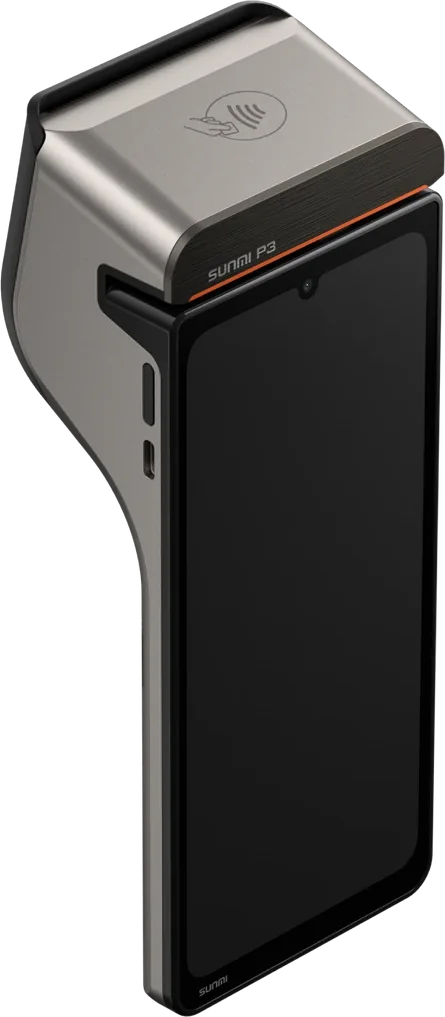
A handheld that does it all: payments, products, invoices, appointments and memberships, right from your hand.
Manage customers, review activity, stay on top of appointments and handle important tasks from your phone, even when you're away from the counter.
Your business doesn't stop when you leave the register. Neither does Stackably.
Customers can manage memberships, pay invoices, schedule appointments and access their account from the Stackably customer app.
Your business doesn't stop when your customers walk out the door.
Stackably's six core features come at no software cost. Some additional features cost extra, and pricing depends on the hardware and tools your business needs, so Chris will put together a personalized estimate.
Tell Chris how you sell. He'll price out the hardware, software and processing, and compare it with what you pay now.
Get my estimateTell Chris a little about your business. You'll get a straight answer on whether Stackably is the best fit.