
Station Duo
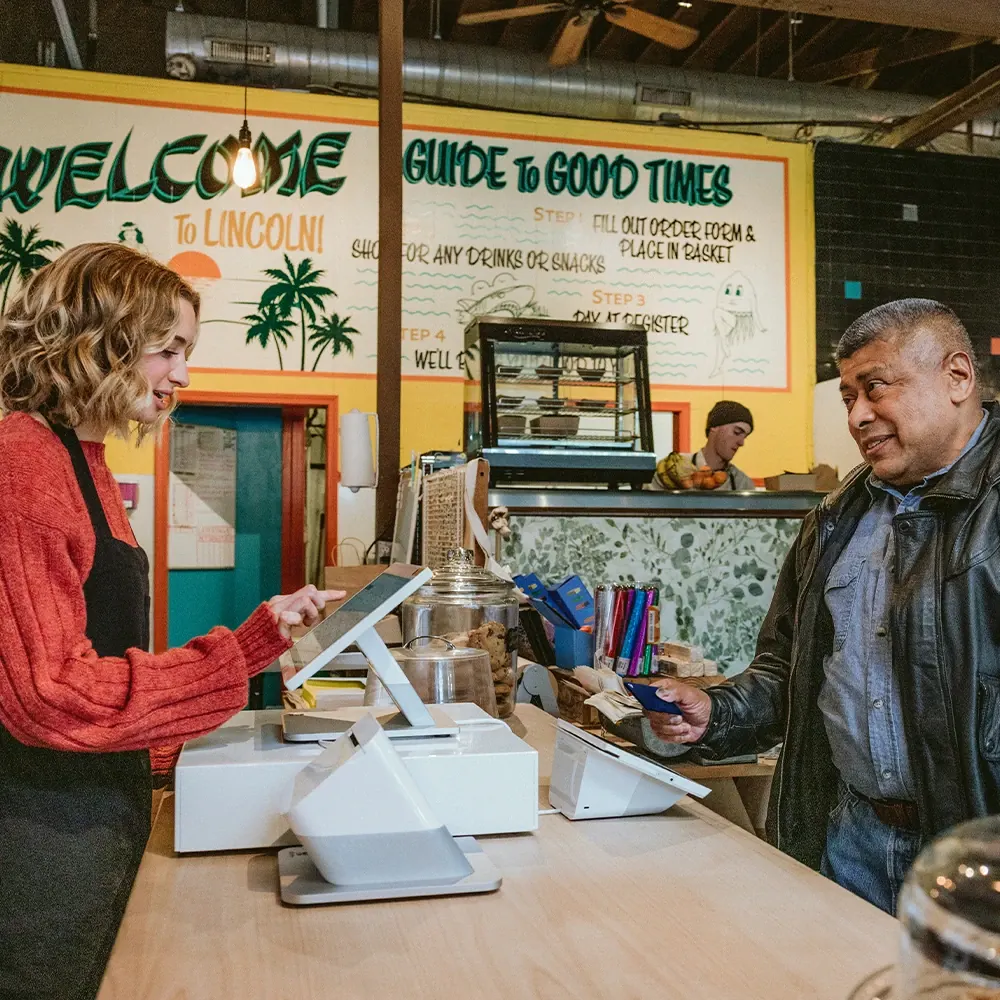
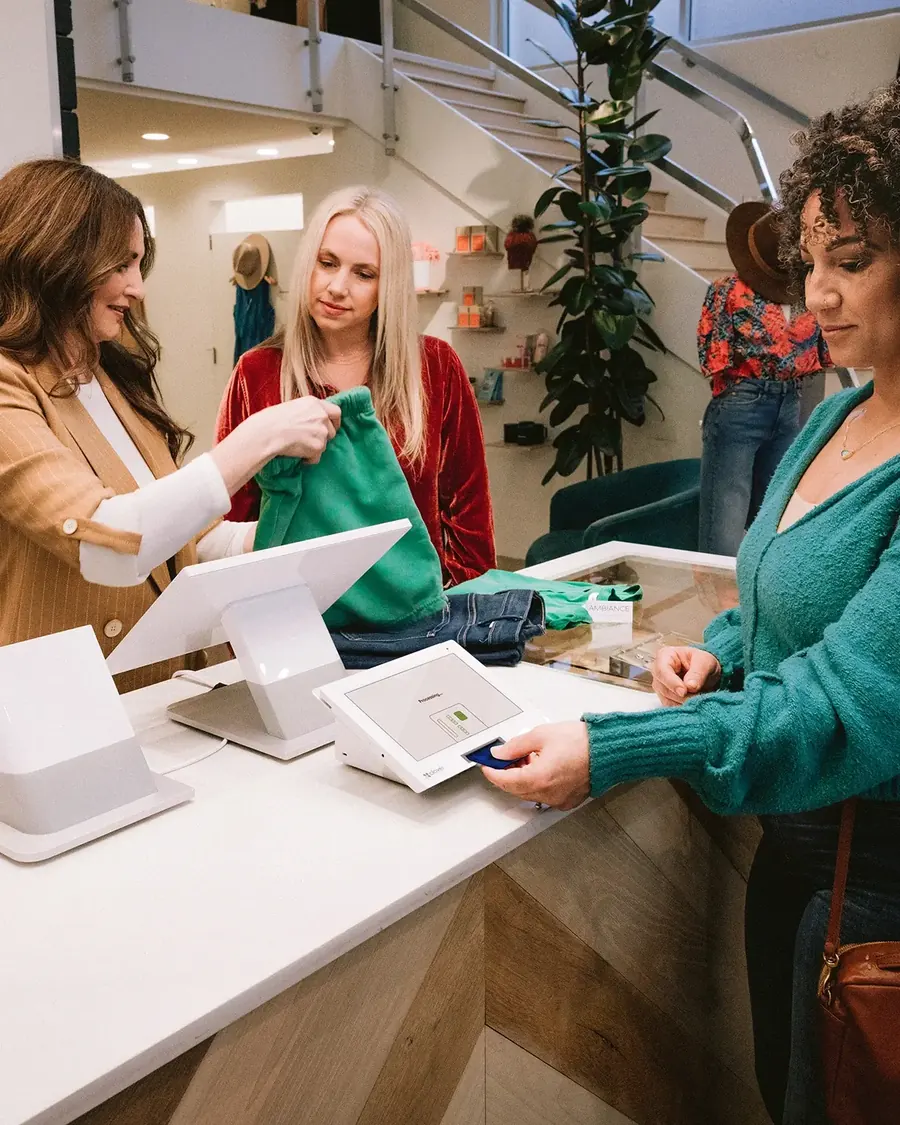
The full countertop setup, with a second screen facing your customer for tips and signatures.
- Chip, tap and swipe
- Ethernet, Wi-Fi and 4G LTE
- Best for busy counters
POS Systems / Clover
Point of sale · CloverClover is one of the most recognized point-of-sale systems in the country, with hardware for retail shops, quick service, salons and service businesses. NeighborlyPay helps you pick the right devices, sets them up, and stays reachable after you go live.
Most businesses need one or two of these, not all of them. We'll help you choose based on how you actually check people out. Tap any device to see more photos, including a labeled look at its features.
The full countertop setup, with a second screen facing your customer for tips and signatures.
A big, clear countertop screen with a built-in receipt printer.
Full POS power in a small footprint. Fits on a tight counter.
A small, simple payment terminal that works alongside your existing software.
Take payments anywhere and print the receipt right from the device.
The Flex without the printer, so it slips into a pocket or apron.
A small reader that pairs with your phone, for markets, events and service calls.
Customers order and pay on their own, so lines move and staff can focus.
Sends orders straight to the kitchen, so there are no lost or hard-to-read tickets.
The hardware is the same family. What changes is how it's set up. Here's what Clover can do in each kind of business.
One system from the restaurant floor to the kitchen to the back office.
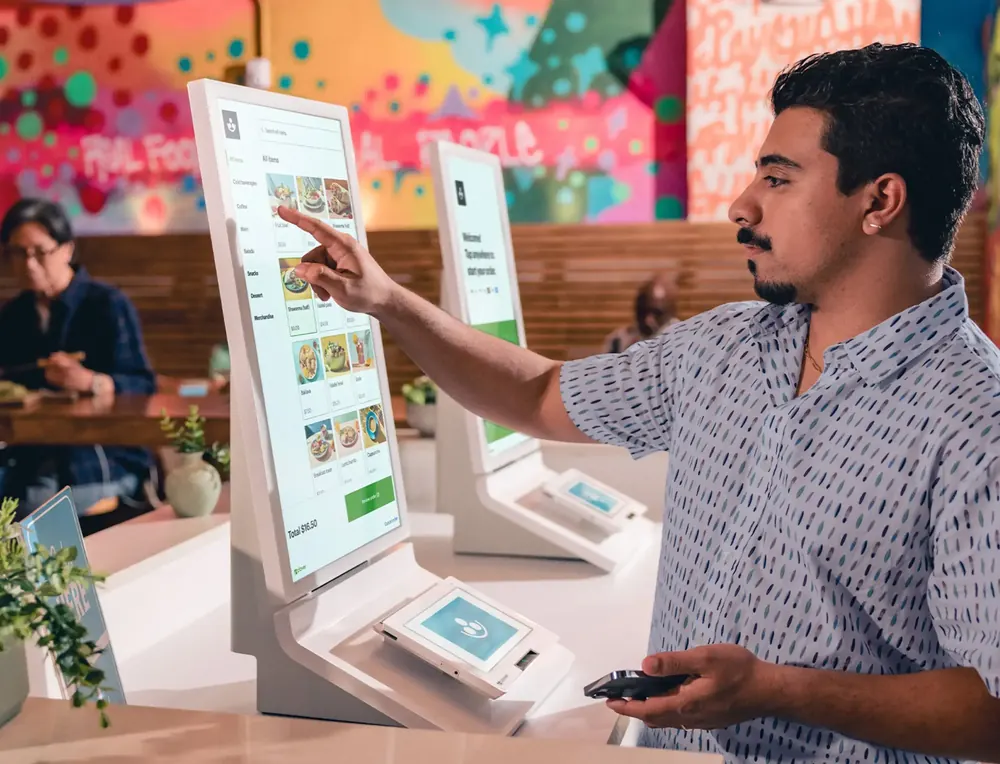
Keep stock straight, check out fast, and sell in store and online.

Book it, bill it and get paid, in the shop or on the road.
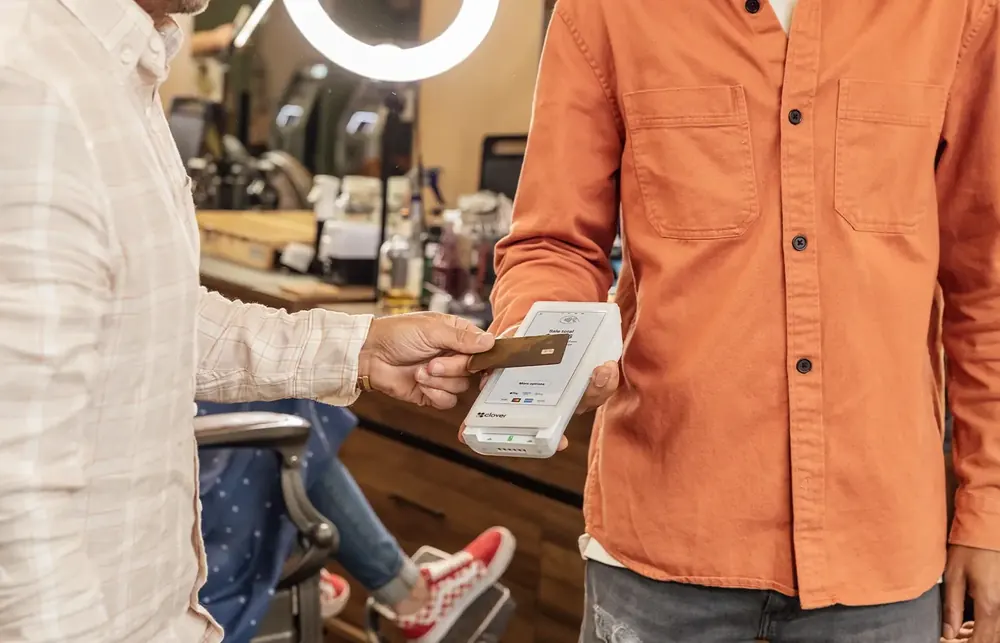
Clover's software grows with you, and the App Market adds tools when you need them.

From the front counter to the kitchen, on one system.
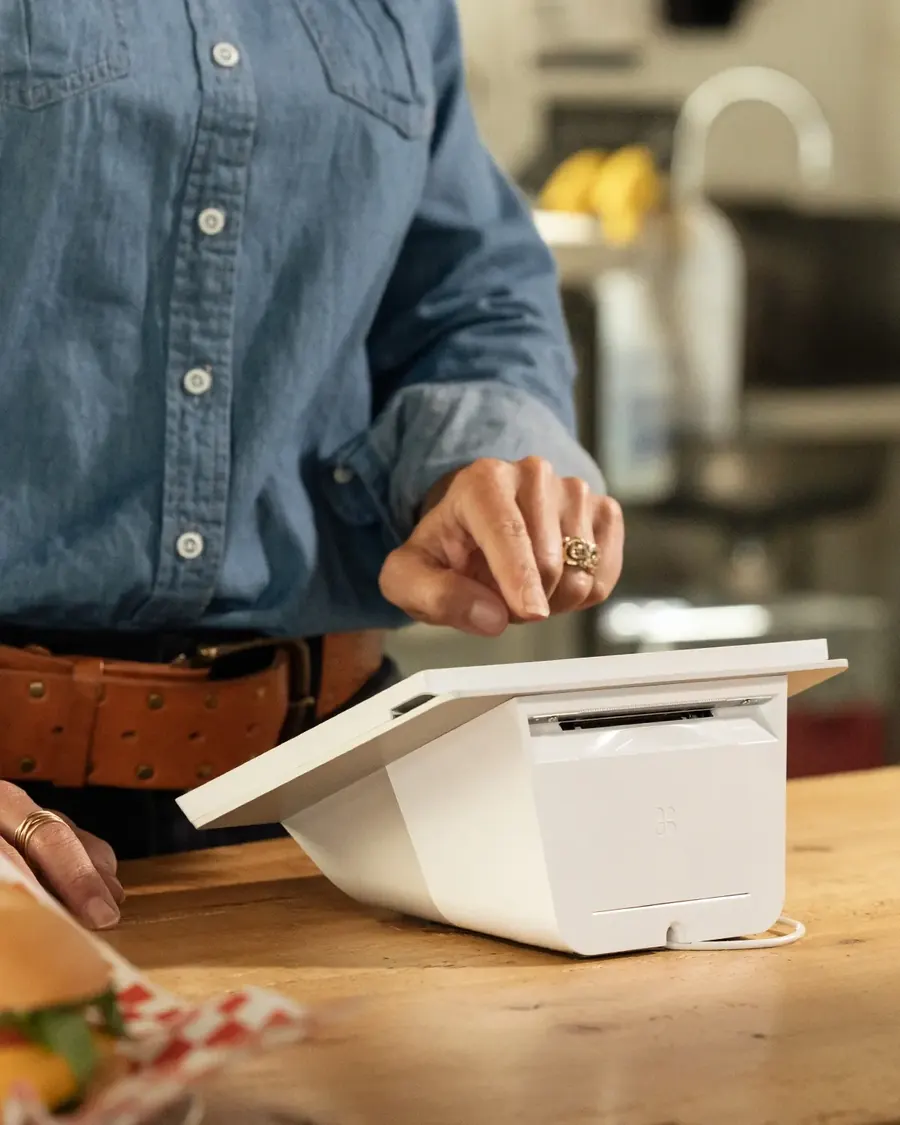
Clover's first-generation devices reached their end of app updates on May 15, 2026. That includes the original Station (C010), Mini (C030/C031), Flex (C041/C042) and Clover Mobile. Apps on those devices won't get new features or fixes, so it's a good time to look at an upgrade.
Send Chris a photo of the label on the bottom or back of your device. He'll tell you whether it's affected and what an upgrade would look like.
Check my device
Plenty of companies sell Clover. The difference is who picks up when something comes up. With NeighborlyPay, you get help choosing the right setup, a clear look at what you'll pay, and a local person you can call.
Tell Chris a little about how you sell. You'll get a straight answer, including if something else fits better.